Mobile Scan App for Floor Plan Layout Drawing

The fastest FREE floor plan app for iOS and Android devices.

Our Free Floor Plan Creator app will automate the process of drawing or sketching room layouts through using your mobile device to scan room interiors and generate a 2D blueprint for free. No manual drawing or drag and drop rendering is required!

Examples of What You Can Get With CubiCasa!

B&W floor plan without dimensions
PLUS floor plan with dimensions, fixtures & Earth Tones
PLUS floor plan with dimensions & Wet Space theme
PLUS Floor Plan with Dimensions & Custom colors
Grayscale floor plan with dimensions
PLUS floor plan with dimensions
Floor plan without dimensions
PLUS floor plan with custom styling
Floor plan of a multi-floor apartment with dimensions, wall color and theme color.
GLA (Gross Living Area) with calculations
PLUS 3D floor plan with realistic materials and furniture
PLUS 3D Floor Plan with Realistic Furniture and Colors
Snapshot Report with detailed Floor Plan Location
Home Report with all property data

Steps to Get a Floor Plan

  • Step #1

    Sign up on our website.

    steps to get floor plans cubicasa app steps to get floor plans cubicasa app
  • Step #2

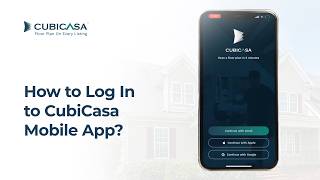
    Login to your account and download the CubiCasa app.

    steps to get floor plans cubicasa app steps to get floor plans cubicasa app
  • STEP #3

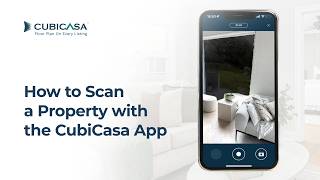
    Scan a property with your mobile device and upload when done.

    steps to get floor plans cubicasa app steps to get floor plans cubicasa app
  • STEP #4

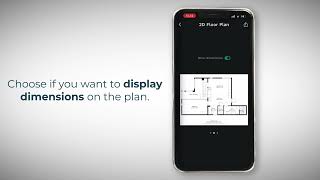
    Next day: download your ready-to-use floor plans.
    steps to get floor plans cubicasa app steps to get floor plans cubicasa app

Client Testimonials

"While in most programs you have to scan each room, click at each wall, add doors, windows and openings, etc. I love that CubiCasa does all of that for you in one single scan!"

cubicasa app review by Dan, Dan O'Brien Media

Dan, Dan O'Brien Media,

"HomeVisit has had great success since day one of using CubiCasa floor plans. Especially turn around time and customer support has far exceeded our expectations."

cubicasa app review by Adam, HomeVisit

Adam, HomeVisit,

"I have not found an app that comes anywhere near CubiCasa. The clear advantage is ease of use and fast accurate results."

cubicasa app review by Sharon, SharonClaire.com

Sharon, SharonClaire.com,

Clear Capital
JPAR
Bladescenes
ProxyPics
Douglas Elliman
Keller Williams
Remax
Compass
Mueller
Accurate Group
City Habitats
Next Home